What to Wear
What to Wear to a Visa Interview (Plus Court and Viva)
What to wear to a visa interview, court or PhD viva: the one-notch-up rule, one outfit covering all three, and the details these rooms read as seriousness.

On-camera dress code
Being named as a webinar speaker changes the dress rules: you will stand, screen-share, and be recorded and clipped. Here is the speaker-specific outfit, the camera-tested colours, and the rehearsal that catches problems before the audience does.
Begin hereInspiration
Attendee advice — wear a nice top — fails the moment you are the named speaker, because you will stand, lean toward a screen, and live on in the recording. The fix is one notch of authority plus a rehearsal, and neither requires discomfort. The looks and checks below are indexed by the decision you are making right now: what to wear, what the camera does to it, and how to stay comfortable for a full hour.
A webinar speaker needs the whole outfit camera-ready, not just the top fifteen centimeters. You will stand, lean to a screen, and possibly appear on a wider angle — and unlike a meeting, the session is recorded and clipped, so the frame you dress for is the one that gets shared later.
The default: smart casual with one notch of authority — a structured blazer, cardigan or substantial knit over a collared shirt or fine knit, with real trousers and shoes in case you stand. If your regular video-call wardrobe covers the attendee-level video call outfits, this is exactly one step above it.
| On camera | Verdict | Why |
|---|---|---|
| Mid-tone solids (dusty blue, sage, burgundy) | Best | Survive compression and mixed lighting without blowing out or shimmering. |
| Fine stripes and tight checks | Avoid | They interact with the camera sensor and produce shimmering moiré patterns on screen. |
| Pure white | Avoid as a large block | Blows out exposure next to your face; fine as an under-layer beneath a mid-tone. |
| Pure black | Risky | Swallows detail against dark backgrounds and reads as a floating head. |
| Structured shoulders, defined knit | Best | Read as authority at low resolution, where slouchy knits read as loungewear. |
Nervous presenters should also plan for heat: studio lights and adrenaline warm you faster than a normal meeting. Fabrics that cope are covered in the fabrics that hide sweat guide, and the short version is merino, cotton blends and structured knits over anything silk-look — the same pieces the men's knitwear guide rates for holding shape through a long seated day.
Calibrate one notch above the audience, not the maximum. An internal leadership webinar, an industry conference and a panel each have different floors, and overdressing the room reads as distance just as underdressing reads as carelessness.
To find the bar: look at last year's recording, scan the host's public presence, or simply ask the organiser — the ask is completely normal, and the how to ask the host about dress code guide gives you the phrasing. Ask one format question while you are at it: seated or standing changes what your footwear and waist-down comfort actually need to be.
The compromise that works: presentable trousers on the bottom — dark jeans or tailored jogger-style pants — under the structured top. Comfort where nobody sees, polish where they do, and no disaster if the camera pans or a clip widens the frame. Barefoot under the desk is fine for a seated webinar, but wear the real shoes for at least one standing rehearsal.
Temperature is the other comfort factor: rooms heat under lights, so plan a layer you can remove off-camera during a break rather than sweating through the session on camera.
The outfit is only half the frame. Face a window or key light — a great shirt in backlight fails — and if you wear glasses, angle the light to kill screen reflections before the day. Matte skin prep beats shine for oily skin on camera, hair off the face prevents forehead shadow, and check the close-up crop shows nothing you would not choose to show.
None of this requires studio gear. One window, one lamp and five minutes of adjustment fix most home setups — do it during the rehearsal, not the webinar.
Do I need to wear a blazer for a webinar? Only if the audience's bar is a notch below formal — a structured layer of any kind meets most bars, and a full suit exceeds all but the most corporate ones.
What colours look best on Zoom? Mid-tone solids — dusty blue, sage, burgundy, grey — because they survive compression without shimmering or blowing out.
What should men wear to present a webinar? A structured layer over a collared or fine-knit top, dark trousers, and shoes on for the standing rehearsal — the same formula any speaker runs.
Is it okay to dress casual from the waist down? Presentably casual, yes — but speakers dress for the full frame, so the bottom half must survive a widened shot, not just assume the camera never moves.
6 looks to explore

A navy blazer over a light blue shirt, charcoal trousers and brown loafers — dressed to the knees and feet, because speakers stand. One notch of authority over the audience's expected bar, not two.
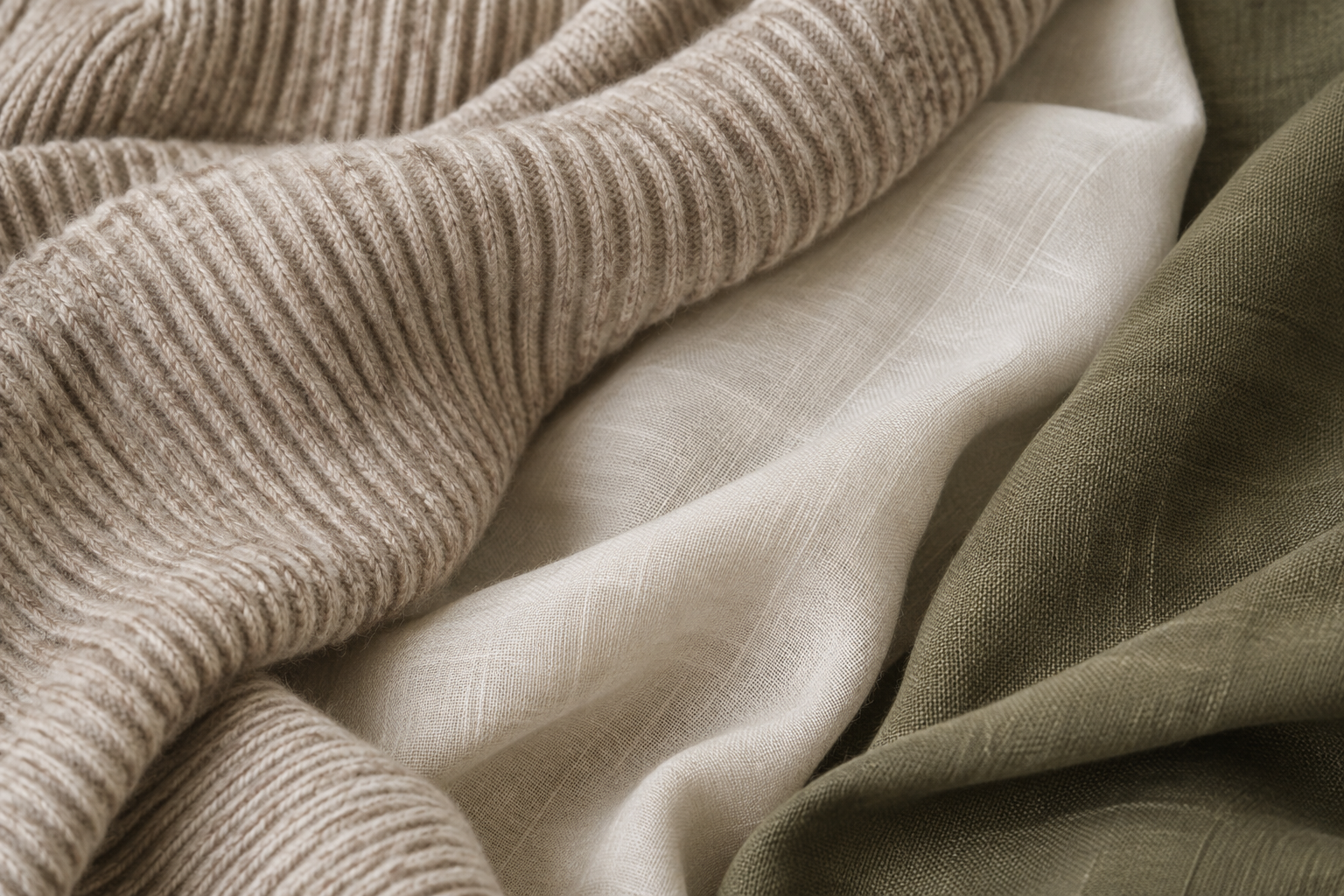
A dusty blue merino crew against a neutral wall: mid-tones and solids survive webcam compression, while pure white blows out and fine stripes shimmer. This is the safest top in the wardrobe for a recorded session.
Dark, tailored jogger-style trousers under a structured top — polish where the camera sees, comfort where it does not, and nothing embarrassing if the camera ever widens. The honest version of dressing casual from the waist down.
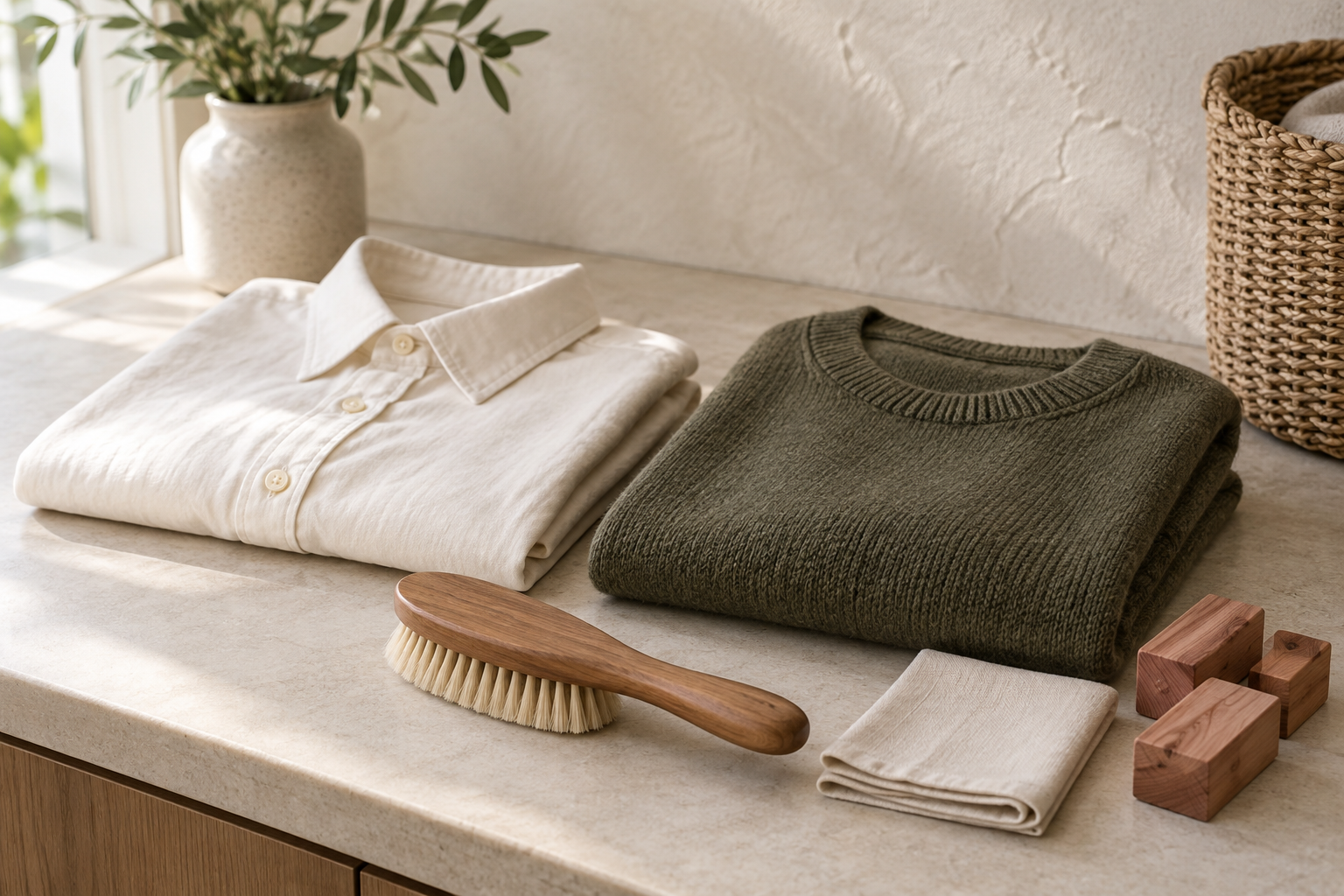
A cotton-blend shirt chosen over silk-look polyester because it hides heat and sits still under hot lights. Presenters run warmer than attendees, and the right fabric keeps the recording free of visible patches.

The outfit tested in the actual presenting position: seated, standing, and leaning to reach the desk. Sleeves, cuffs and the watch line are what appear on screen the moment you share and reach.
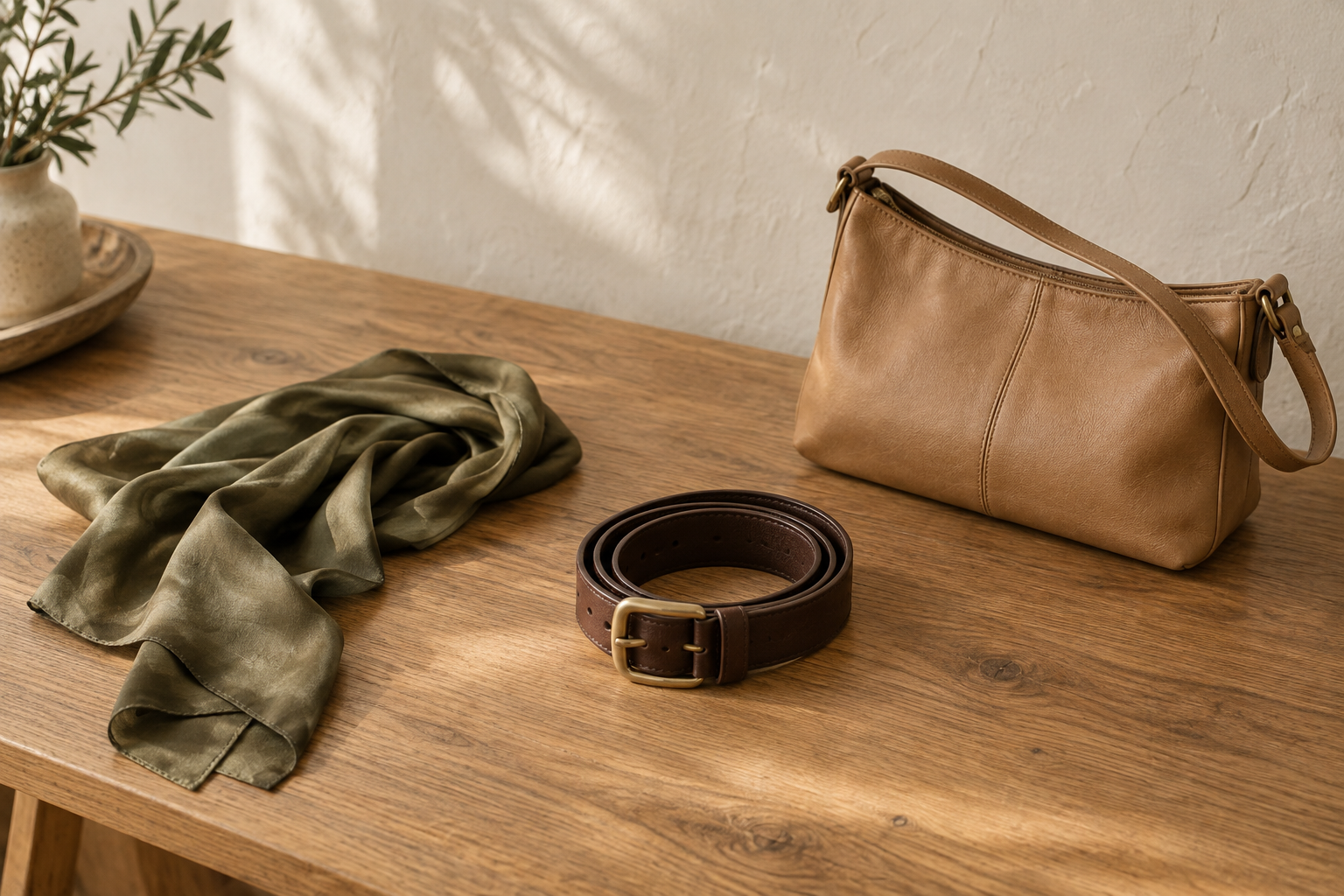
A matte leather strap watch and small, non-reflective details — nothing jangly, nothing mirrored. Webinars sit close to the face, and noisy jewellery reads as distraction at 1080p.
What to Wear
What to wear to a visa interview, court or PhD viva: the one-notch-up rule, one outfit covering all three, and the details these rooms read as seriousness.
What to Wear
How to ask the dress code without being rude: copy-paste scripts by channel, who to ask first, timing rules, and what to wear when you cannot ask.
What to Wear
Restaurant dress codes explained by venue: what smart casual means at dinner, what rooftop bars enforce, and what gets refused at club doors.